
How to do a weekly room-by-room stock check
A weekly stock check is a short walk through the supplies you use most. Pick a moment before your usual shopping trip, look at what is actually there, and make a list from the gaps. The goal is a useful next shop, not a perfect inventory.
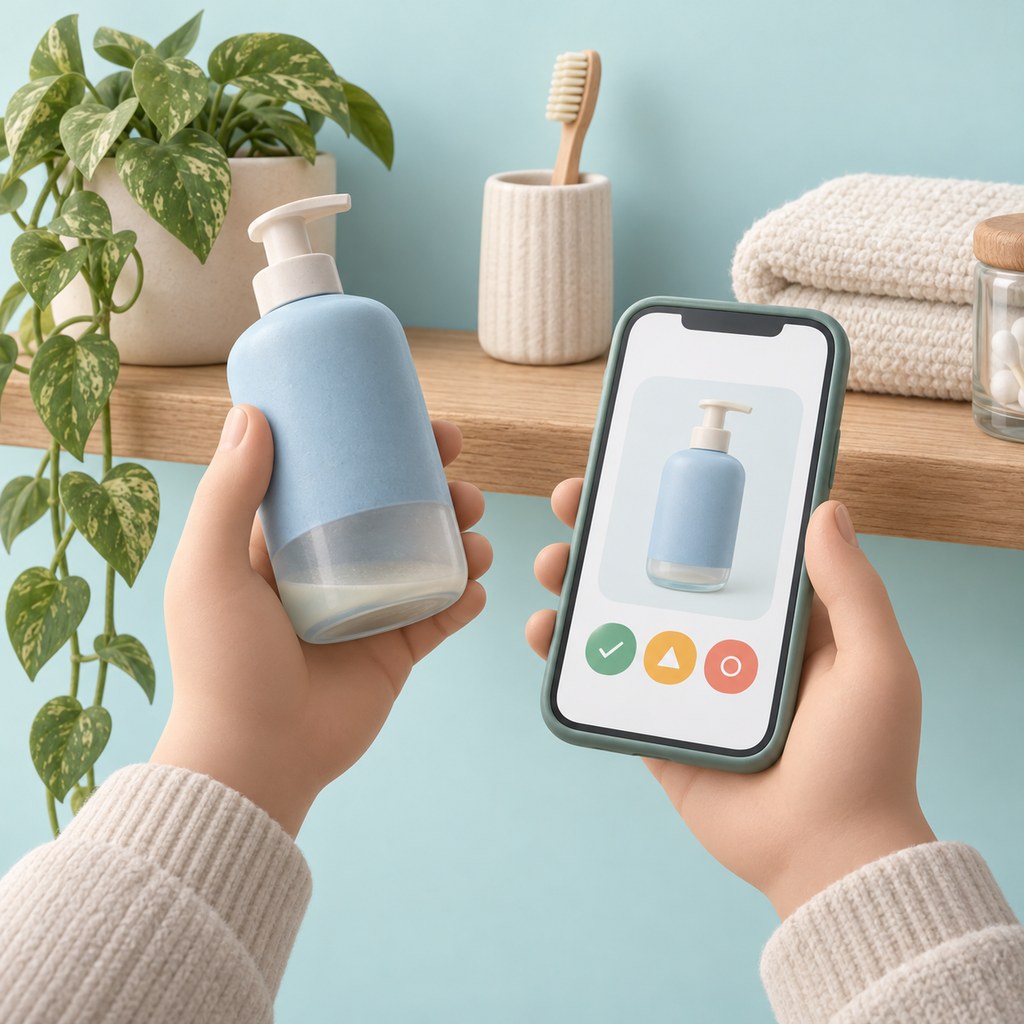
1. Choose a repeatable route
Start in one room and follow the same route each time: kitchen and pantry, bathroom, then laundry or cleaning storage. Keep less frequently used supplies on a separate list if checking them every week adds little value.
Check the places where backups live. A bottle by the sink and its replacement in a cupboard belong to the same buying decision.
2. Use three simple decisions
You do not need exact quantities for every everyday supply. Use a consistent rule based on when you will next shop.
- Enough: you expect the supply to last until the next check.
- Low: you still have some, but want it on the next shopping list.
- Out: you have none left in the places you normally store it.
- Unsure: look again later rather than guessing and buying a duplicate.
3. Keep shopping details with the item
If the brand, size, or variety matters, record it when you check the shelf. A note such as your usual pack size is more helpful at the shop than a vague entry you have to interpret later.
In Got Plenty, check one room or the whole home. Swipe or use the buttons to mark Enough, Low, or Out. You can skip an item, undo an answer, or pause and resume later. This is a manual check; the app does not detect stock changes or purchases automatically.
4. Review the list before leaving
Low and Out items go into Got Plenty’s cart. Review it for anything you have already replaced, and add a one-off purchase directly if needed. The saved inventory and cart are available offline, so you can use them at the shop without a connection.
5. Finish the shopping loop
Mark items purchased as you shop. Finish shopping removes purchased entries from the cart while leaving anything still needed for next time. Your inventory items stay saved for the next check.
If you keep buying duplicates, shorten the checklist or make the backup storage easier to inspect. A routine you can repeat is more useful than an exhaustive list you stop checking.
Next: Share a shopping list without asking someone to create an account →
Questions about offline use, pricing, and sharing? Read the FAQ.
Know what’s at home before you shop.
Start free on iPhone and iPad. No separate account needed.